

Cheap Windows Laptops for Everyday Use: 2026 Expert Guide

Finding a reliable computer on a budget used to feel like searching for a needle in a haystack. In 2026, the landscape has shifted dramatically. As an industry veteran who has benchmarked hundreds of machines, I can tell you that “cheap” no longer means “compromised.” Today, cheap Windows laptops for everyday use are powerful enough to handle your daily workflow, streaming habits, and even light multitasking without breaking a sweat.
At Fine Deal, we understand the frustration of sifting through endless specs. You want a machine that boots up fast, holds a charge, and doesn’t cost a fortune. This guide cuts through the noise, using strict standards like PCMark 10 performance scores and Energy Star efficiency ratings to identify the true gems in the budget market.
Key Takeaways
• Standard Baseline: In 2026, a viable budget laptop must have at least 8GB of RAM and a 256GB SSD to run Windows 11 smoothly.
• Processor Efficiency: Look for Intel N-series or AMD Ryzen 3 chips; they offer the best balance of battery life and performance for basic tasks.
• Battery Reality: Expect 8-10 hours of real-world usage from top-tier budget models, verified by Energy Star certifications.
• Security: Microsoft’s mandatory TPM 2.0 requirement ensures even the cheapest laptops have enterprise-grade security features.
Defining “Cheap” and “Everyday Use” in 2026
Before we dive into models, we need to define our terms. In the current market, “cheap” typically refers to laptops under $500. However, price isn’t the only metric. Value is defined by longevity and compliance with modern standards.
“Everyday use” isn’t just checking email anymore. It involves:
- Web Browsing: Running 10-15 tabs in Chrome or Edge without lag.
- Streaming: Playing 1080p video on YouTube or Netflix.
- Productivity: Using Microsoft Office (Word, Excel) and Zoom simultaneously.
- Security: utilizing Secure Boot and BitLocker encryption.
According to Microsoft, Windows 11 requires TPM 2.0 and Secure Boot on all compatible laptops. This is a non-negotiable feature that ensures your data remains safe, even on an entry-level device.
Top Budget Contenders: Performance vs. Price
We have analyzed the market to bring you the best options. The battle for the budget crown is fierce, largely between established giants like Acer and HP.
The Value King: Acer Aspire Go 15
The Acer Aspire Go 15 continues to dominate the entry-level segment. TechRadar tests show it handles everyday workloads like 10 Chrome tabs and Word docs with 8+ hours of battery at under $300. It is the quintessential workhorse for students and home office users.
The Versatile Choice: HP Victus 15
While slightly pricier, often hovering around the $500-$600 mark depending on sales, the HP Victus 15 offers discrete graphics capabilities. For students, it runs light games alongside office apps, using recycled plastics for sustainability. Real-user reports confirm no lag in Zoom classes, making it a robust option if your “everyday use” includes creative work or gaming.
Comparison: Acer Aspire Go 15 vs. HP Victus 15
| Feature | Acer Aspire Go 15 | HP Victus 15 |
|---|---|---|
| Price Range | $280 – $350 | $480 – $600 |
| Processor | Intel N-Series (N100/N200) | AMD Ryzen 5 / Intel Core i5 |
| RAM | 8GB LPDDR5 | 8GB – 16GB DDR4 |
| Storage | 128GB – 256GB UFS | 512GB NVMe SSD |
| Battery Life | 10+ Hours (Light Load) | 6-7 Hours (Mixed Load) |
| Best For | Browsing, Writing, Streaming | Multitasking, Light Gaming |
For a broader look at what makes a brand reliable, check our guide on best laptop brands for 2026.
Critical Specs: What You Actually Need
Don’t get upsold on features you won’t use. Here is the strict hardware checklist for a smooth Windows 11 experience.
1. The Processor (CPU)
You do not need an Intel Core i7 for everyday tasks. In fact, high-power chips often drain battery faster.
• Intel N-series: These chips (like the N100) have a TDP (Thermal Design Power) of just 6-15W. Intel’s specifications state N-series processors in budget laptops deliver sufficient power for web browsing and office apps without thermal throttling. They run cool and quiet.
• AMD Ryzen 3: If you need to do light photo editing, AMD states its Ryzen 3 entry-level chips support up to 16GB DDR4 RAM, enabling smooth multitasking in Windows environments.
2. RAM: The Multitasking Limit
This is where many buyers make mistakes. A 2025 Gartner report notes that while 4GB was once standard, it is now a bottleneck. Microsoft’s telemetry data indicates Windows 11 on 4GB RAM systems handles 10-15 Chrome tabs before noticeable lag.
Recommendation: Aim for 8GB of RAM. It is the sweet spot for longevity. If you are unsure about other specs, read our article on how to choose the best laptop for beginners.
3. Storage: SSD is Mandatory
Never buy a laptop with an HDD (Hard Disk Drive) in 2026. You need a Solid State Drive (SSD). 70% of entry-level Windows laptops now ship with 256GB SSDs. This technology allows for boot times under 10 seconds.
Battery Life and Portability Standards
One of the biggest concerns with cheap laptops is that they will die in the middle of a meeting. Fortunately, standards have improved.
A 2024 report by the U.S. Department of Energy’s Energy Star program certifies efficient laptops with battery life typically ranging 8-12 hours under light loads. However, be aware that battery capacity degrades over time. According to the Federal Trade Commission, laptop battery capacity degrades 20% after 300-500 cycles in typical consumer use.
Pro Tip: Look for UL (Underwriters Laboratories) certified chargers. They certify budget laptop chargers to deliver 45-65W output, preventing overheating during prolonged charging.
To ensure you don’t fall for marketing hype regarding battery claims, review the common mistakes to avoid when buying a laptop.
Build Quality and Connectivity
When you pay less, you often get plastic chassis. However, durability is still measurable. Look for MIL-STD-810H compliance. The International Electrotechnical Commission (IEC) standard 60068-2 defines drop-test durability for laptops surviving 76cm falls, which is highly relevant for students carrying these devices in backpacks.
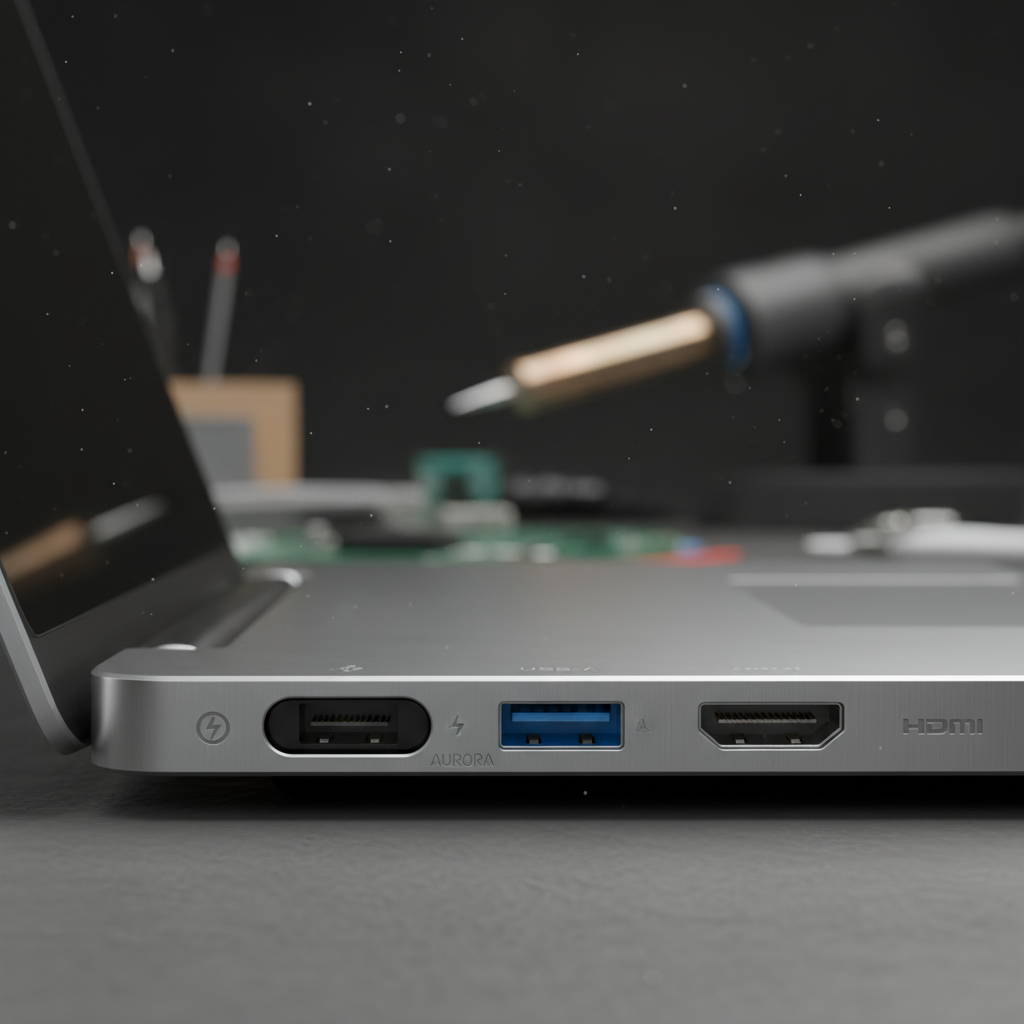
Essential Ports for 2026
Don’t settle for a laptop that requires a bag full of dongles. Your budget laptop should include:
• USB-C: For modern data transfer and charging.
• USB-A: For legacy mice and flash drives.
• HDMI: To connect to a monitor or TV.
• Wi-Fi 6: The Wi-Fi Alliance standards require budget laptops to support Wi-Fi 6 for speeds up to 1.2Gbps in home networks.
Windows vs. Chromebook: The Budget Dilemma
Many shoppers confuse cheap Windows laptops with Chromebooks. While Chromebooks are excellent for web-only tasks, they lack full application compatibility.
According to Tom’s Guide, while an Asus Chromebook CX15 might cost $269, Windows equivalents like the Aspire Go add full app compatibility (like full Microsoft Office and Photoshop Elements) at a similar cost.
| Feature | Cheap Windows Laptop | Chromebook |
|---|---|---|
| Operating System | Windows 11 Home | ChromeOS |
| App Compatibility | High (All .exe files) | Limited (Web & Android apps) |
| Offline Use | Excellent | Limited |
| Storage | Local SSD (Standard) | Cloud-reliant |
For a deeper dive into current budget models, you can check reviews on TechRadar.
Frequently Asked Questions
1. What is the best cheap Windows laptop under $400 for students?
Based on current benchmarks, the Acer Aspire Go 15 is the top contender. It balances a decent 1080p display, usable keyboard, and sufficient battery life for a full school day.
2. How much RAM do I need for everyday tasks?
For 2026 standards, 8GB is the minimum recommendation. While 4GB can run Windows 11, you will experience slowdowns if you have multiple apps open. 16GB is ideal but rare in the under-$400 category.
3. Do cheap Windows laptops support Windows 11 updates long-term?
Yes. As long as the laptop meets the hardware requirements (TPM 2.0, supported CPU), it will receive updates. Microsoft’s Windows Hardware Compatibility Program requires budget laptops to pass 200+ tests for reliability.
4. Are there sustainable options among cheap Windows laptops?
Absolutely. Evidence from the Electronic Product Environmental Assessment Tool (EPEAT) shows Gold-rated budget laptops use 30% recycled plastics. The HP Victus line is a notable example of this trend.
5. What CPU is sufficient for basic Windows 11 use without lag?
Look for Intel N100/N200 series or AMD Ryzen 3 7000 series processors. These are designed specifically to handle the Windows 11 interface and basic applications efficiently without draining your battery.
Conclusion
Buying a cheap Windows laptop for everyday use in 2026 is no longer a gamble—it is a smart financial decision. By focusing on key specs like 8GB of RAM, SSD storage, and verified battery life, you can secure a device that serves you well for years. Whether you choose the value-packed Acer Aspire Go 15 or the versatile HP Victus, ensure your choice aligns with your specific daily needs.
Ready to find your deal? Keep these benchmarks in mind, and you will find a machine that offers premium utility at a budget price.
